Drag, drop, done
Pull shapes onto the plate, resize them with handles, and turn them with the protractor.
- Holes and groups cut in one click
- Arrow keys nudge, D drops onto the plate
- Parts library: bolts, gears, springs, boxes
Free CAD that's as easy as Tinkercad and as precise as Onshape. Shape it, sketch it, sculpt it, print it. In your browser or on your desktop.
Windows 10+ · x64 · Free · No account needed
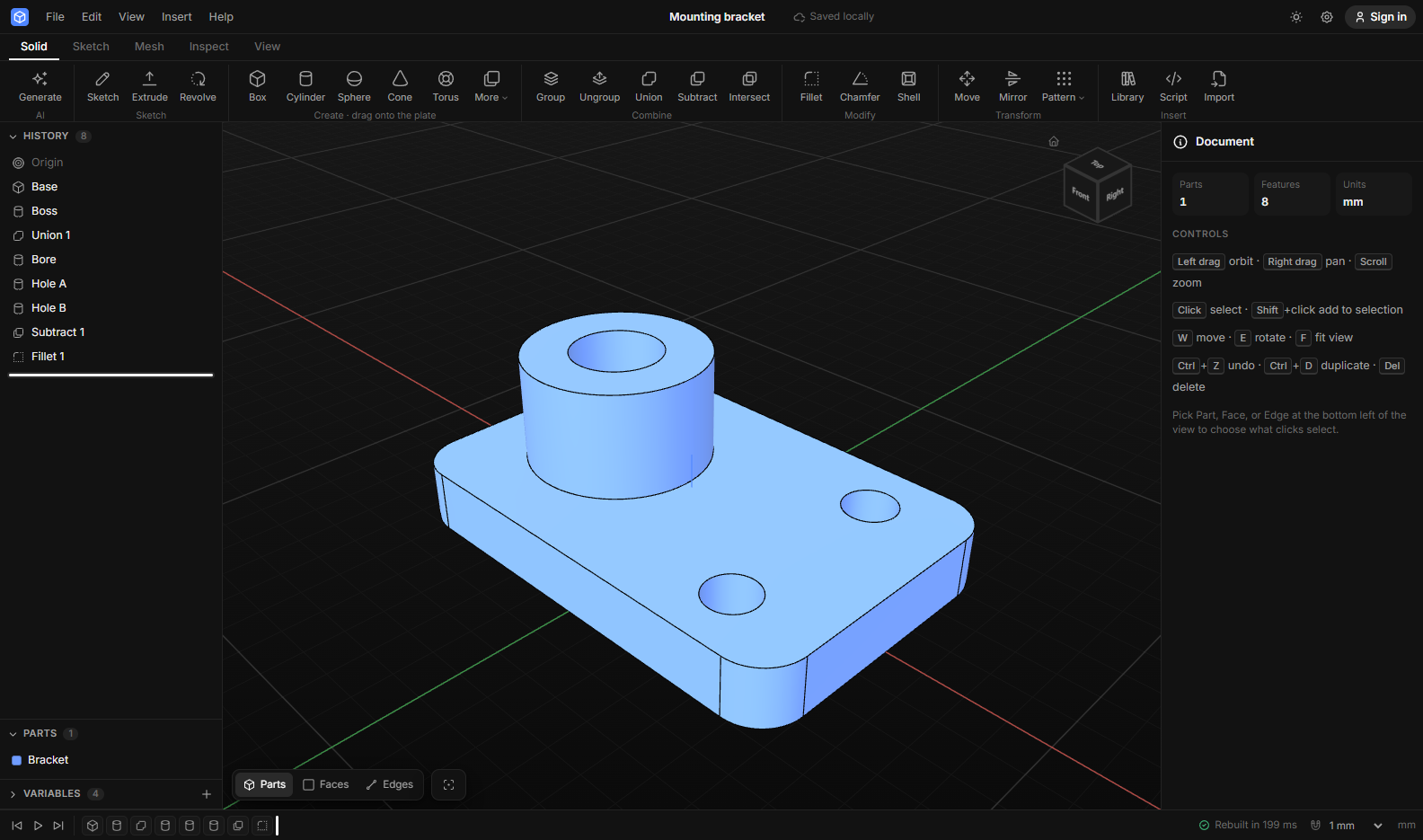
Drag shapes like Tinkercad, sketch with constraints like Onshape, and sculpt like Blender, all in one history you can change at any time.
Pull shapes onto the plate, resize them with handles, and turn them with the protractor.
Draw on any plane or face, add dimensions that take formulas, and see when it's fully defined.
width / 2 in every fieldTurn any part into a mesh, subdivide it, and shape it with brushes. Then make it look real.
The AI doesn't hand you a frozen mesh. It writes a parametric model with sizes you can change, and if its first try fails, it fixes its own mistake.
const base = cad.box(p.width, 60, 6);
const back = cad.turn(cad.box(p.width, 6, 80), 90 - p.angle, [1, 0, 0]);
const lip = cad.move(cad.box(p.width, 6, 14), 0, -27, 4);
// cut a slot for the charging cable
const slot = cad.move(cad.box(p.slot, 70, 20), 0, 0, -1);
return cad.subtract(cad.union(base, back, lip), slot);Every step stays editable. Roll back, reorder, suppress.
OpenCascade, the kernel behind FreeCAD, runs on your machine.
Click two points. Corners and edge middles snap.
Overhangs in red, build volume, filament and time estimate.
Front, top, side, and iso views with hidden lines, as PDF.
Build parts in JavaScript with named parameters.
Installable, and your projects are saved as you go.
Sign in with Google or GitHub to sync and share by link.
Dark like your code editor or bright like paper, and switch between Tinkercad-style handles and Pro-style arrows whenever you like.
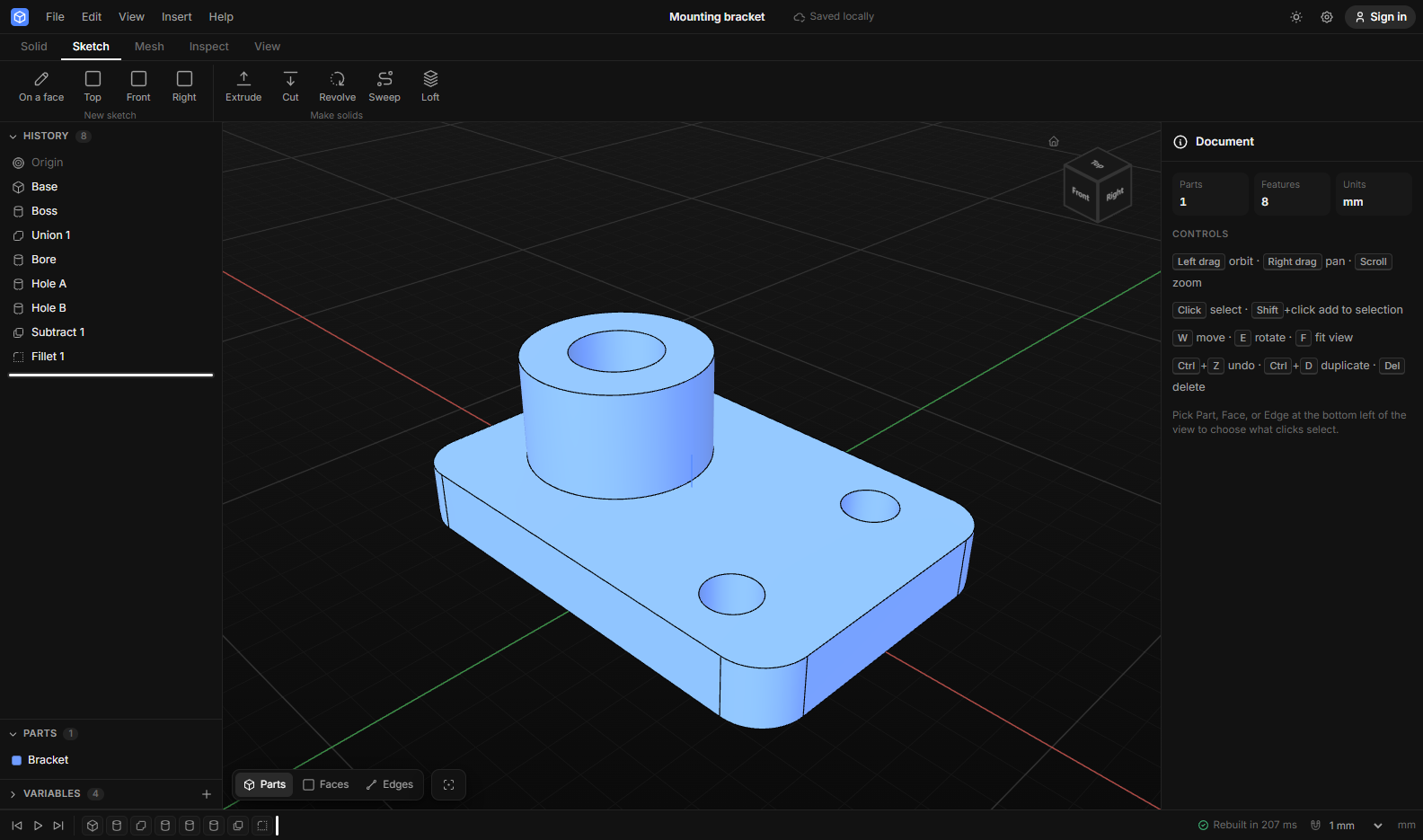
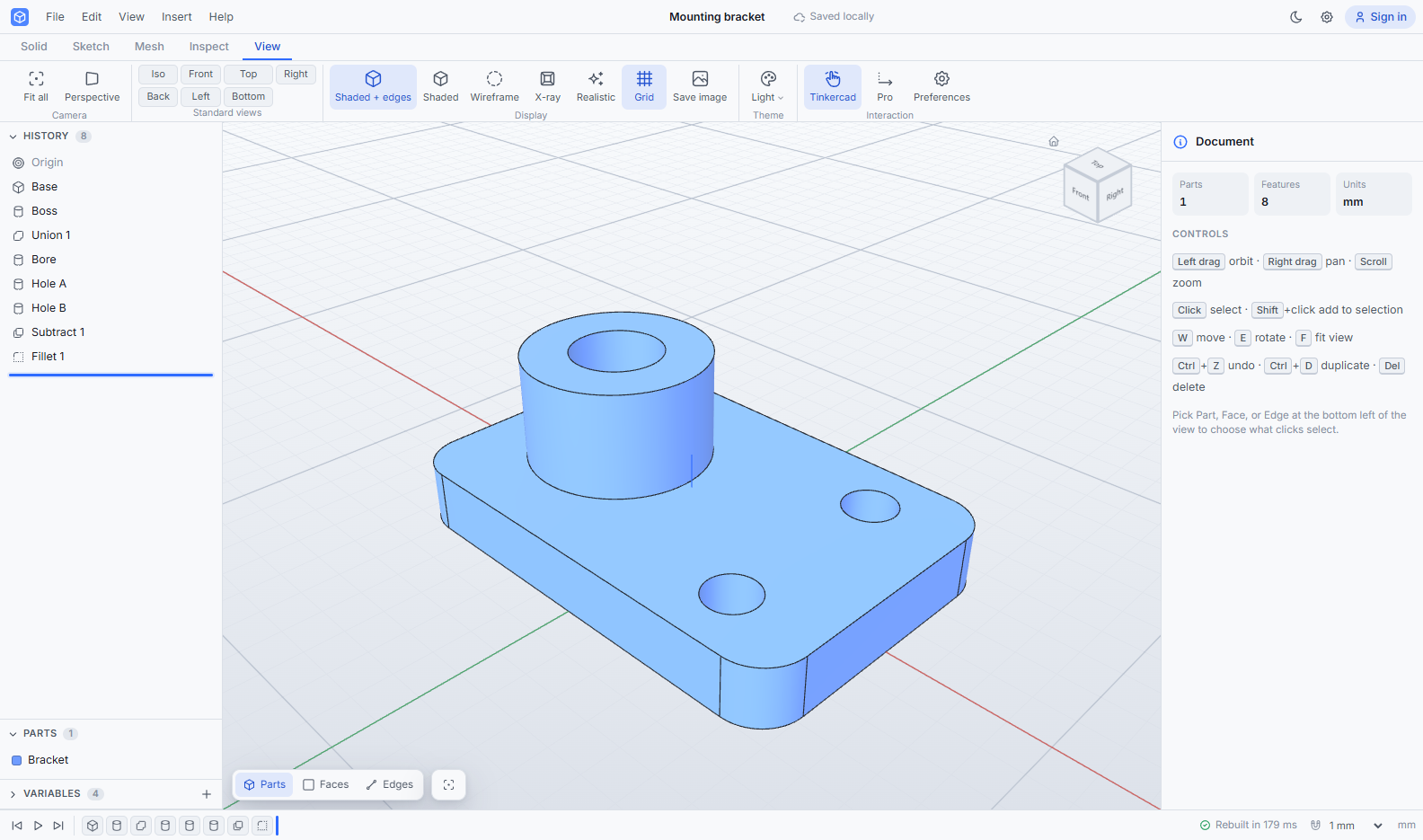
Free. Use it in the browser right now, or install the desktop app.